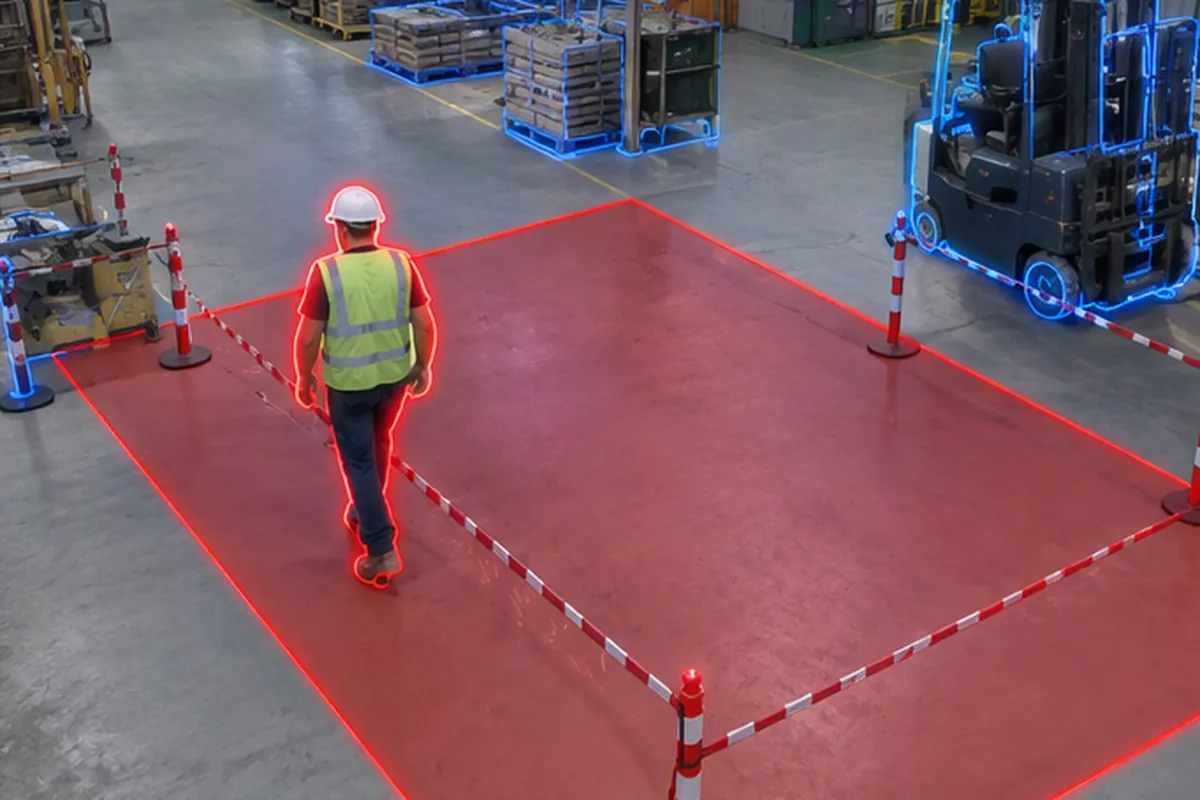
Restricted area entry
Alerts when people enter, leave or cross the boundary of an area you've restricted.
- All site types

Access and people detection is computer vision that applies zone rules to people: who enters restricted and high-hazard areas, how many people are in a space, who is working alone, and whether someone has fallen or stopped moving. It also flags unsafe acts like phone use near equipment, running and risky lifting.
Access, Zones & People covers 11 use cases in the SAFVR detection library: Restricted area entry, High-hazard area entry, Loitering and long stays, Occupancy limits, Minimum staffing and lone work, Visitors without an escort, Person down, Heat stress and wearable alerts, Phone use in operating areas, Running and Unsafe manual lifting.
Restricted area entry
Each use case runs on the cameras you already have, with zones and rules set for each camera view. Use cases marked Camera + sensor also pair the camera with an IoT sensor or wearable.
Alerts when people enter, leave or cross the boundary of an area you've restricted.
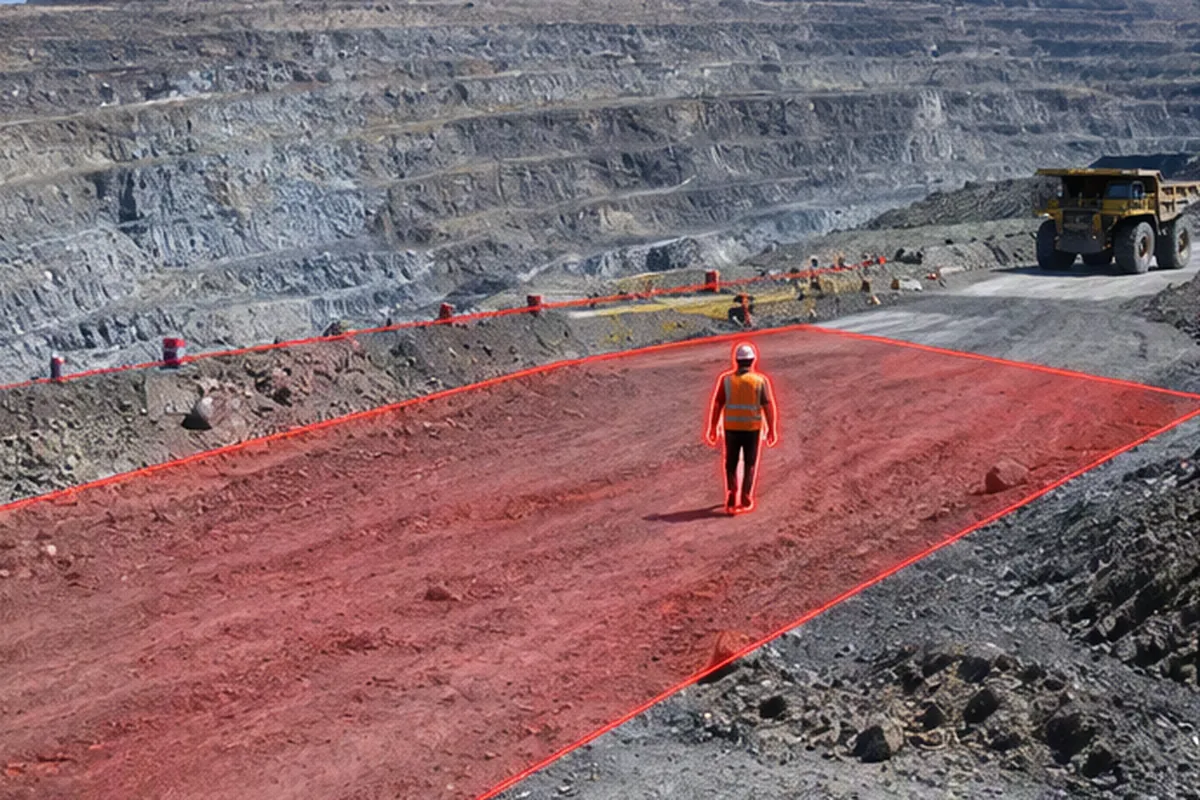
Flags entry into blast zones, crusher houses, tailings ponds, high-bay aisles, roofs and other high-hazard areas.
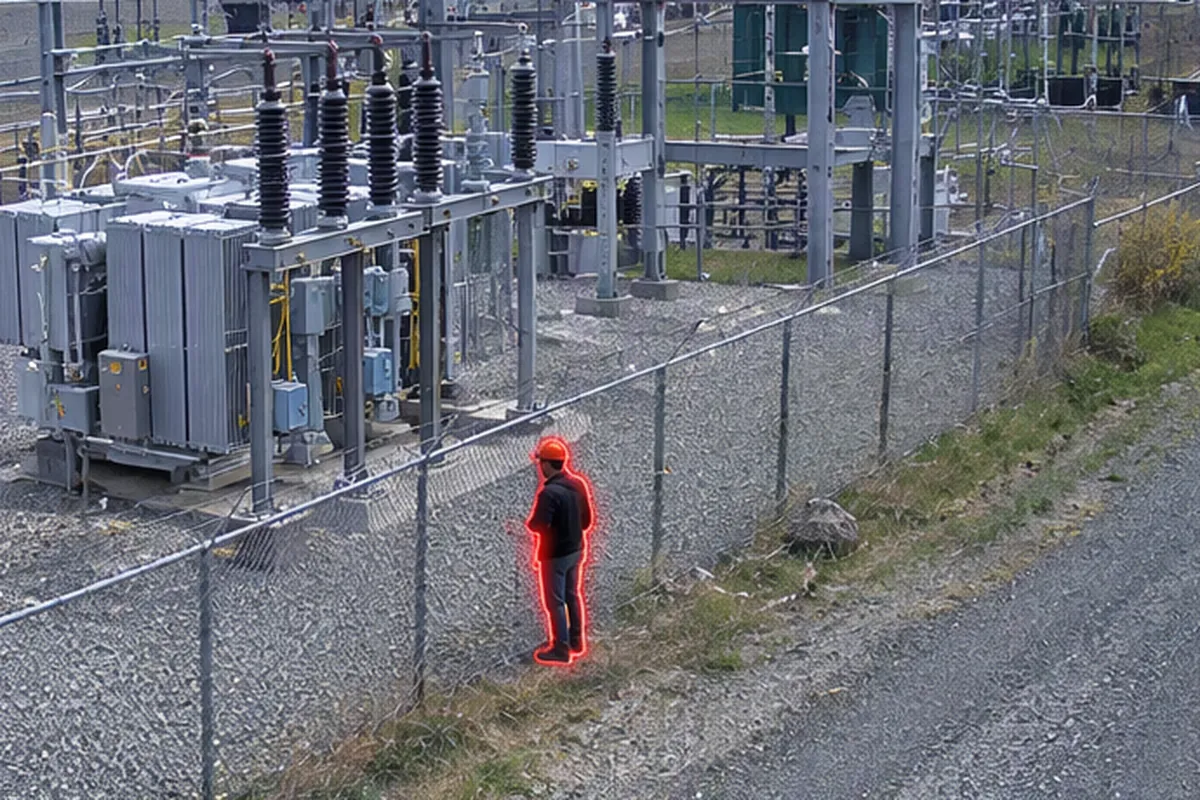
Detects people staying in a zone longer than the time you allow.
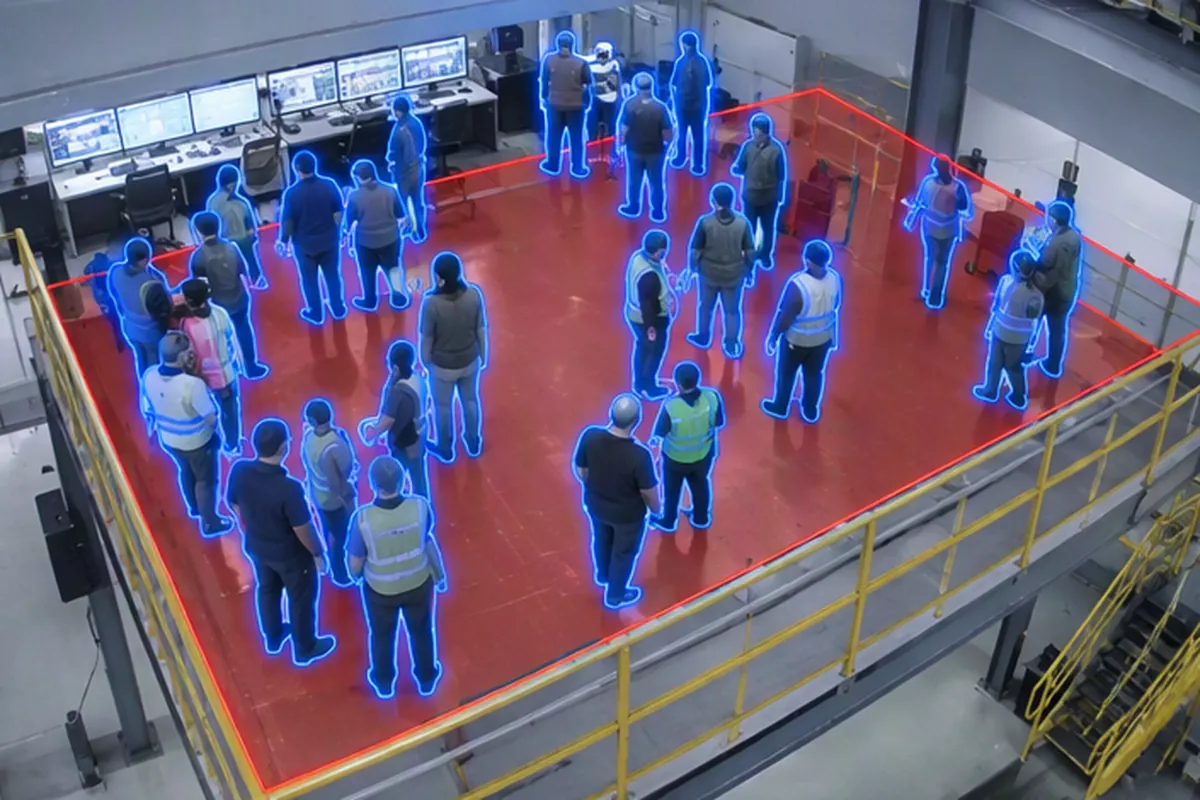
Counts people in an area and alerts when it goes over the safe limit for the space or task.
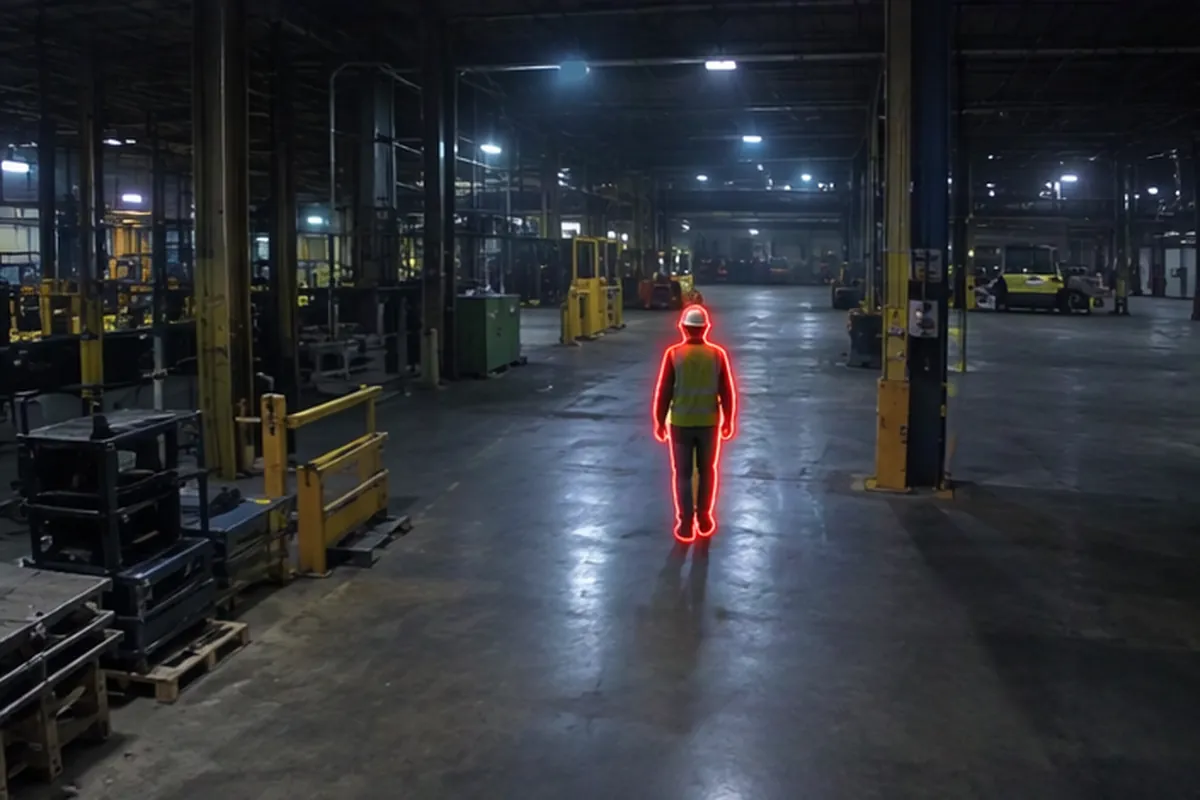
Flags tasks running with fewer people than required, and people working alone where that's not allowed.
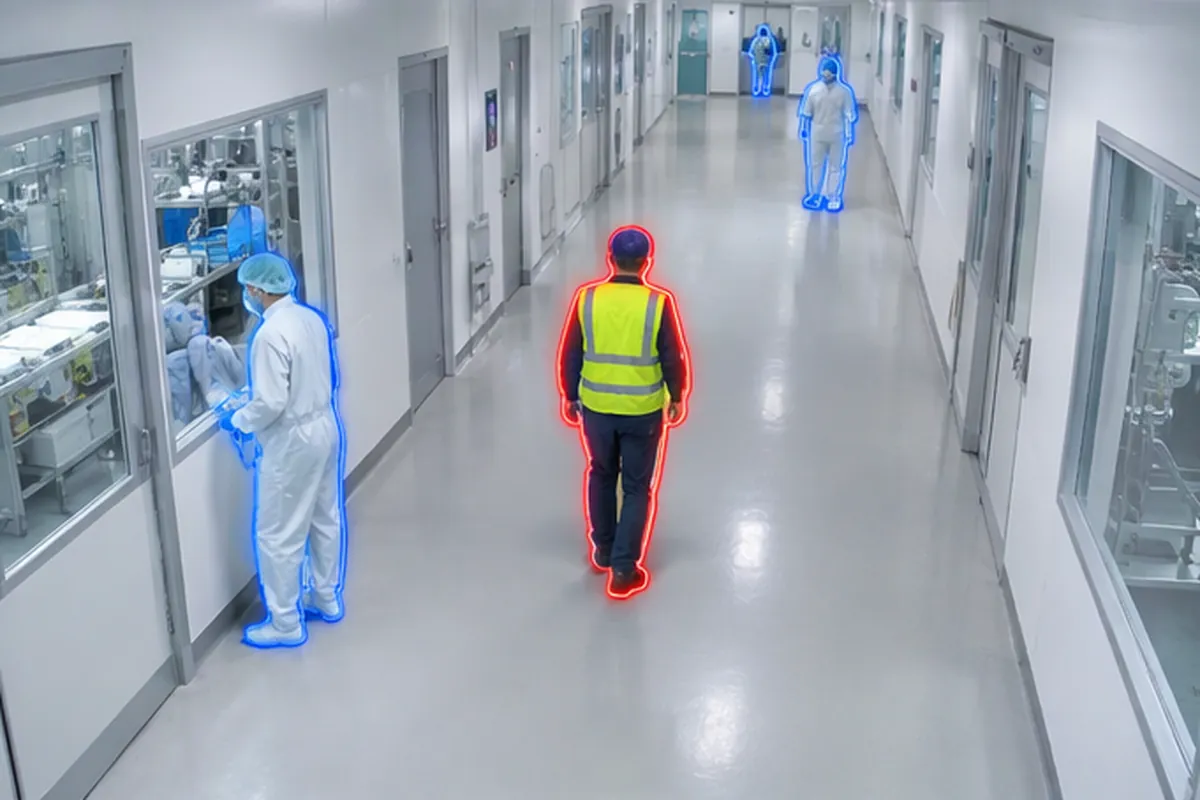
Spots visitors and contractors moving around without an escort.
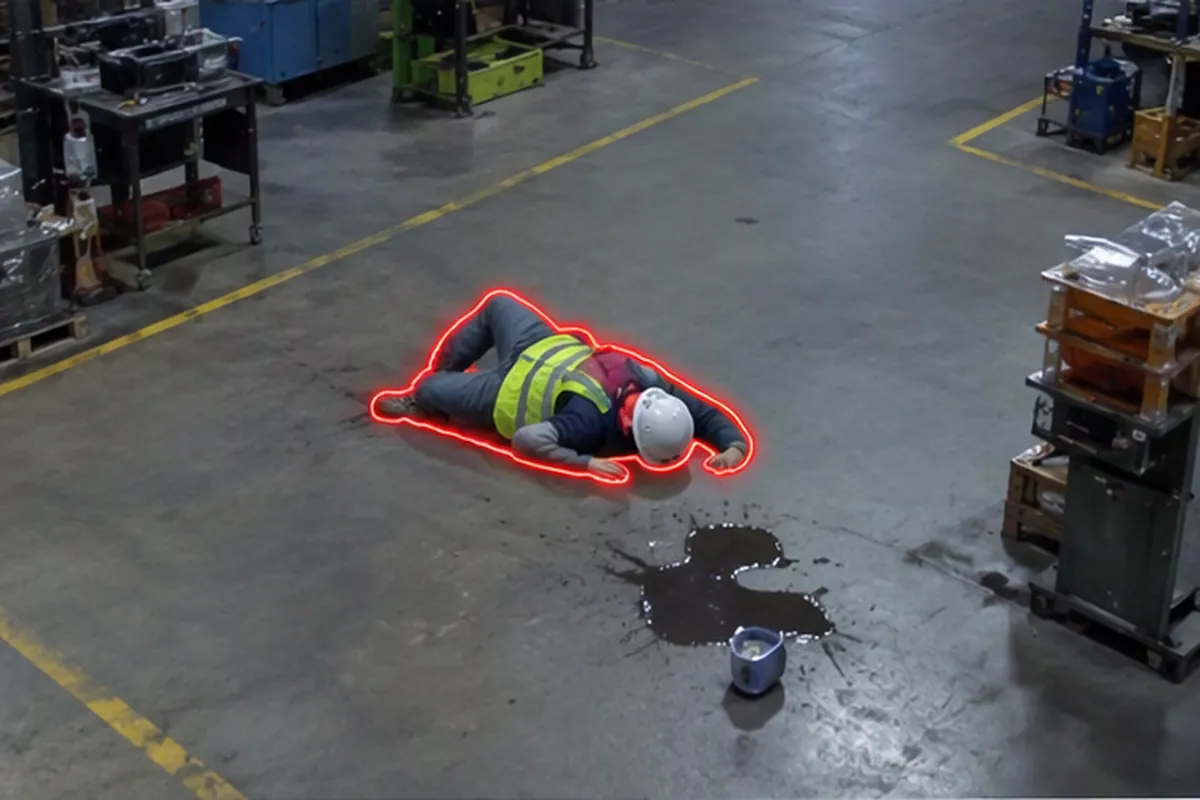
Detects slips, trips and falls, people lying motionless, and workers asleep at a post.
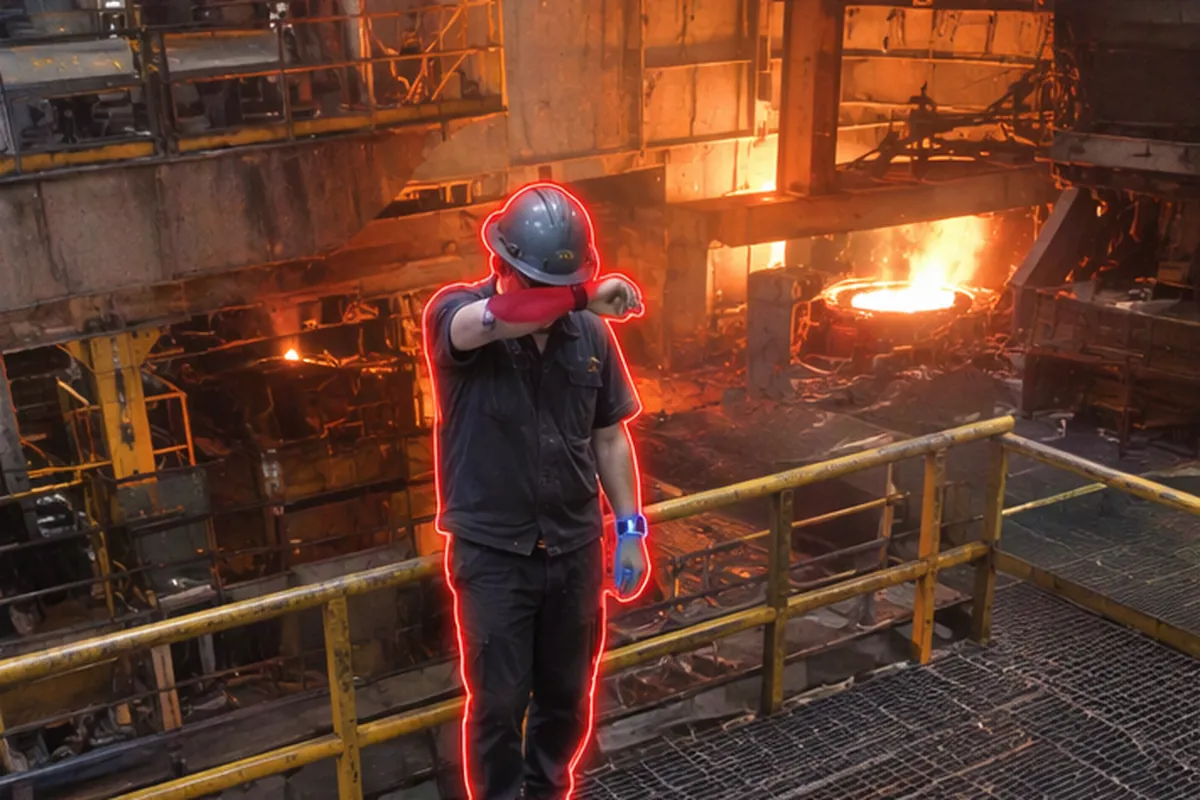
Pairs heat stress, no-movement and panic-button alerts from wearables with a live view of the worker.
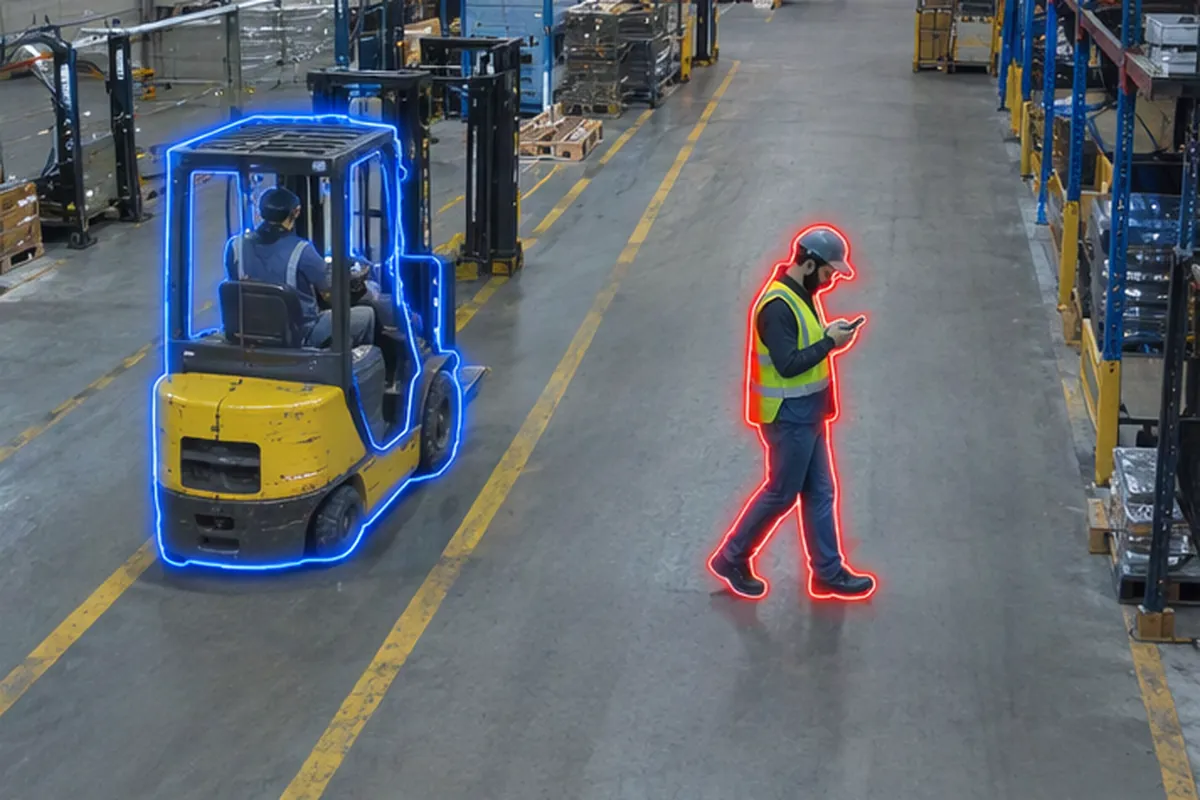
Detects people using or talking on a phone where it's banned, such as near moving equipment.
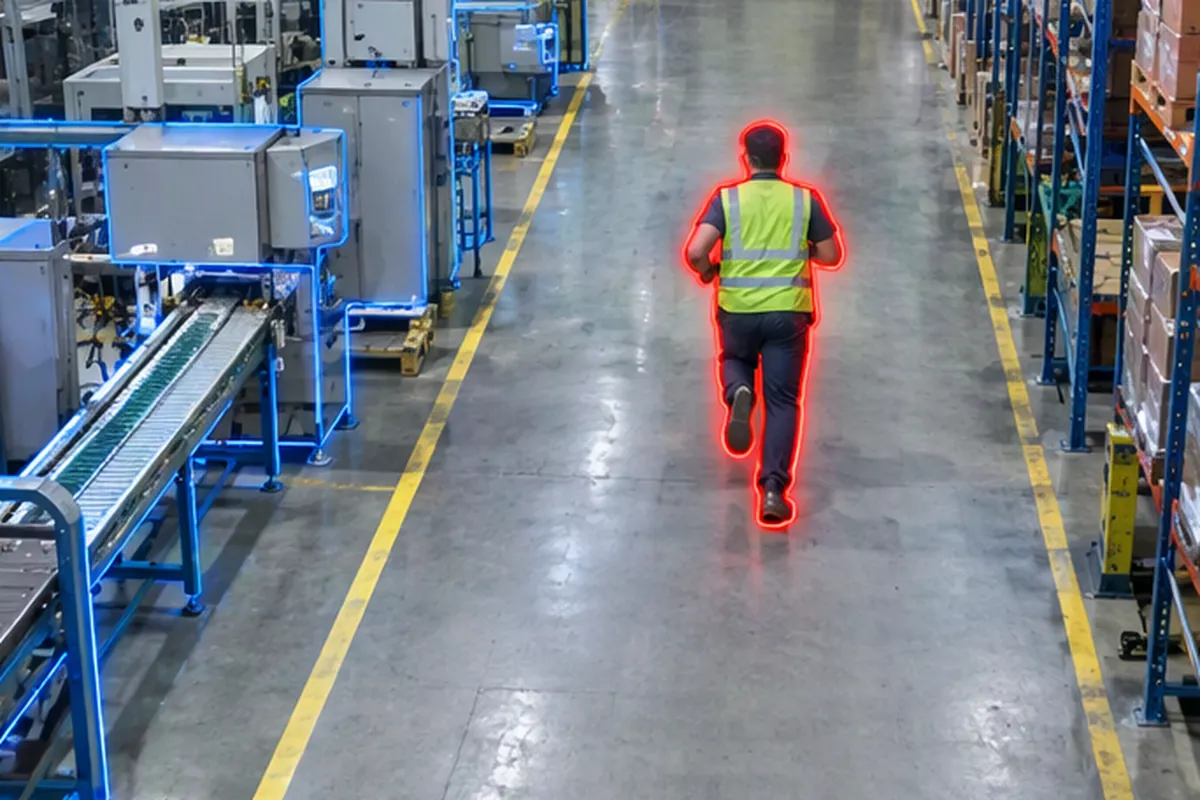
Flags people running in production areas, aisles and stairways.
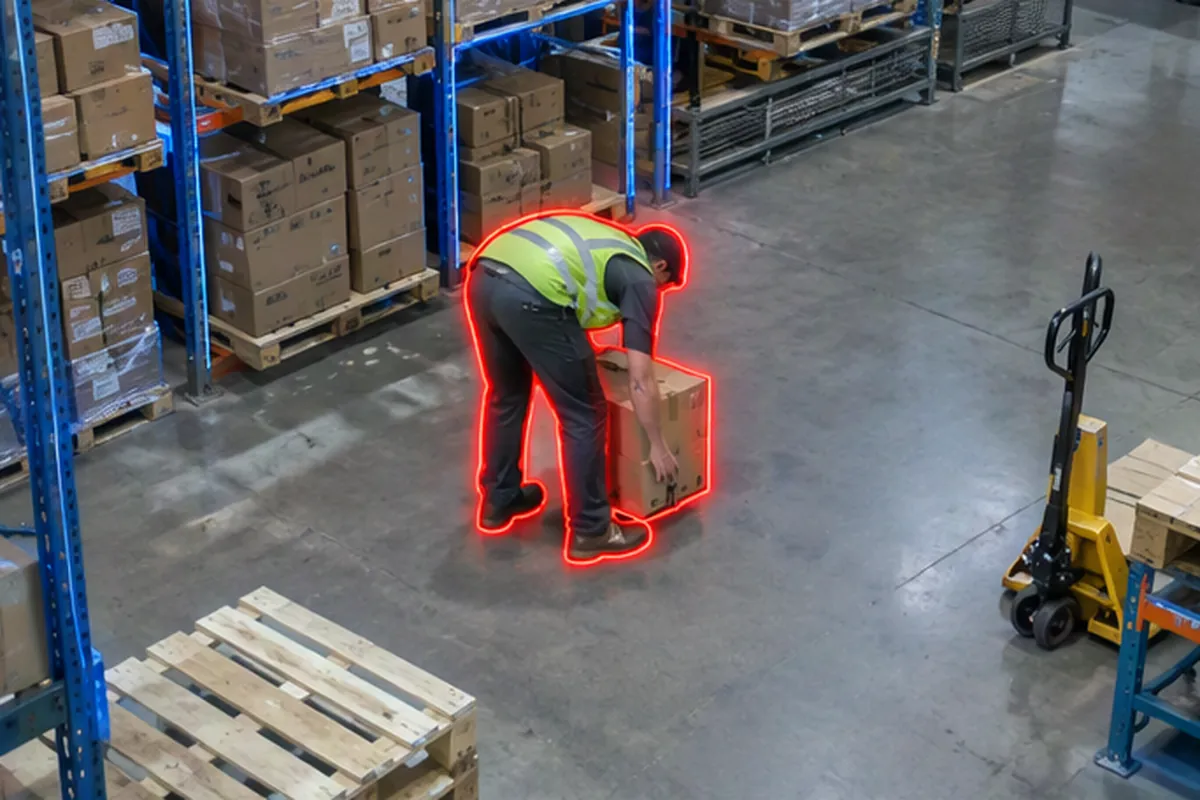
Spots risky lifting postures, like bending at the back to pick up a load.
A worker who collapses in a quiet area or on a night shift can go unnoticed. Person-down alerts shorten the time to help.
Blast areas, crusher houses, high-bay aisles and roofs are restricted for good reasons. Detection shows who goes in, and when.
Phone use near equipment, running and poor lifting rarely cause an incident on their own, but they show where one is likely.
The same use cases read differently on each kind of site. Open a site type to see how they apply there.
Machine areas, stores and control rooms have access rules. Person-down, phone and running checks cover the production floor.
Site access, floor occupancy and lone work rules change through the build. Person-down checks cover remote parts of the site.
Process units, substations and tank farms restrict access. Lone work, minimum staffing and person-down checks support remote and night operations.
Labs, clean zones and quality areas restrict entry. Visitor escort and occupancy checks support GMP discipline.
Airside areas and the space around running engines are restricted. Escort, phone use and lifting posture checks matter for ramp and baggage teams.
Test tracks, robot areas and paint shops restrict access. Running and phone checks keep busy aisles safe.
Furnace areas and kiln platforms are restricted and hot. Heat stress and person-down checks matter most in summer.
High-bay aisles, docks and mezzanines are restricted areas. Lifting posture and person-down checks matter on long picking shifts.
Blast zones, crusher houses and tailings ponds are no-go areas. Lone work and heat stress checks protect people in remote parts of the site.
Every use case runs inside the AURA loop. A detection is only the start: the value comes from what happens next.
AURA watches each camera for the use cases you switch on, with zones, lines and rules drawn for that view.
Detect on the platformAlerts reach the right person with a snapshot and clip, and become tracked actions that get closed out.
Act on the platformEvents feed micro-training and toolbox talks built from your own footage, so lessons stick.
Improve on the platformTrends by area, shift and task show where risk is building, so you can fix it before the next incident.
Prevent on the platform8 use cases
6 use cases
8 use cases
8 use cases
8 use cases
9 use cases
11 use cases
9 use cases
7 use cases
8 use cases
5 use cases
READY TO SEE IT ON YOUR CAMERAS?
30 days. Your existing CCTV. Nine hazard categories live on day one — PPE, fall risk, vehicle proximity, restricted zones, and more. You see real detections from your floor before you commit to anything beyond the pilot.
No new hardware. Existing IP cameras work. Setup in days.